
How Good Work Reviews works
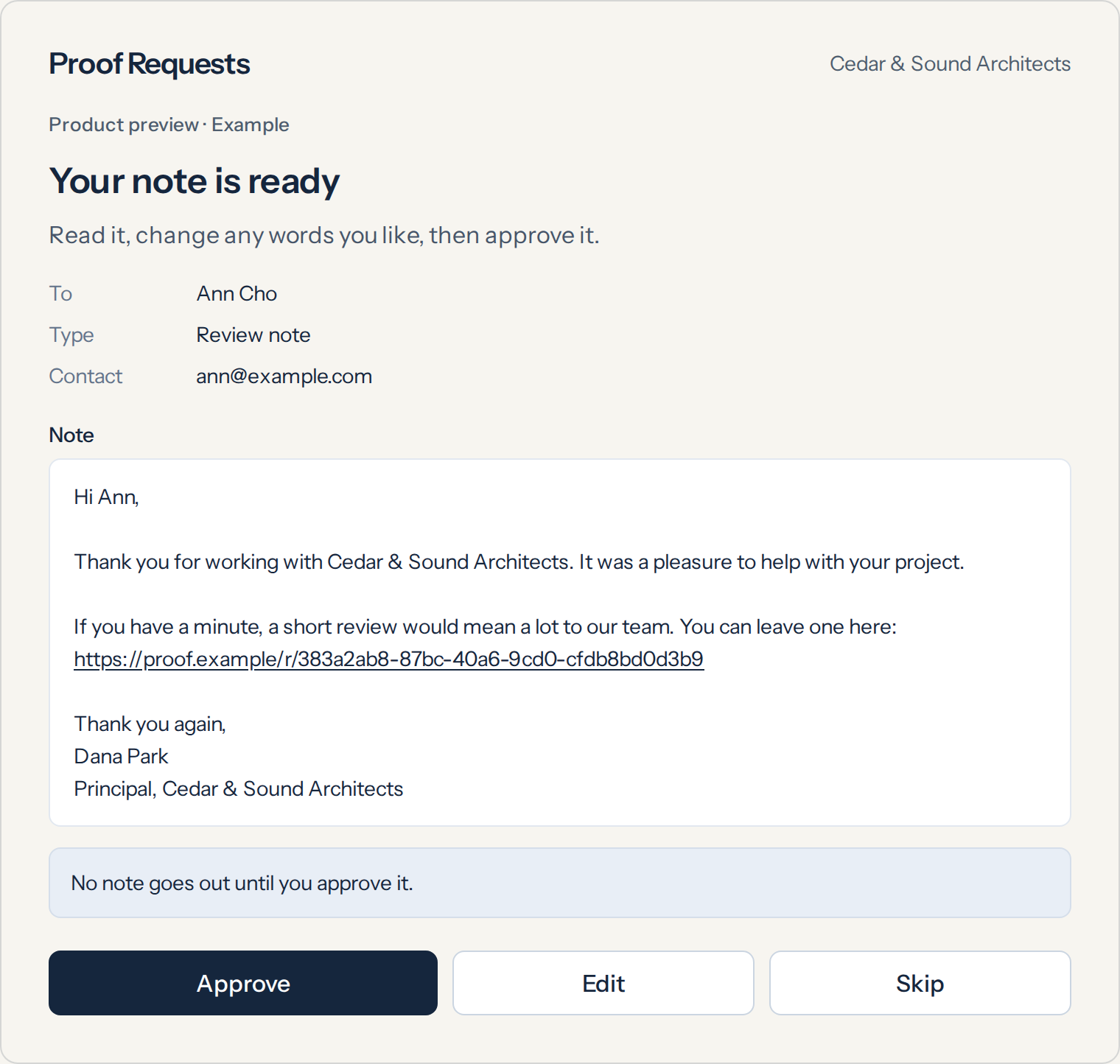
After a job, you approve a short note. Your client gets one that asks for a review or a referral. Nothing goes out without your yes.
The four steps
Finish the job
Your work is done. The client is set. That’s the best time to send a note.
Approve the note
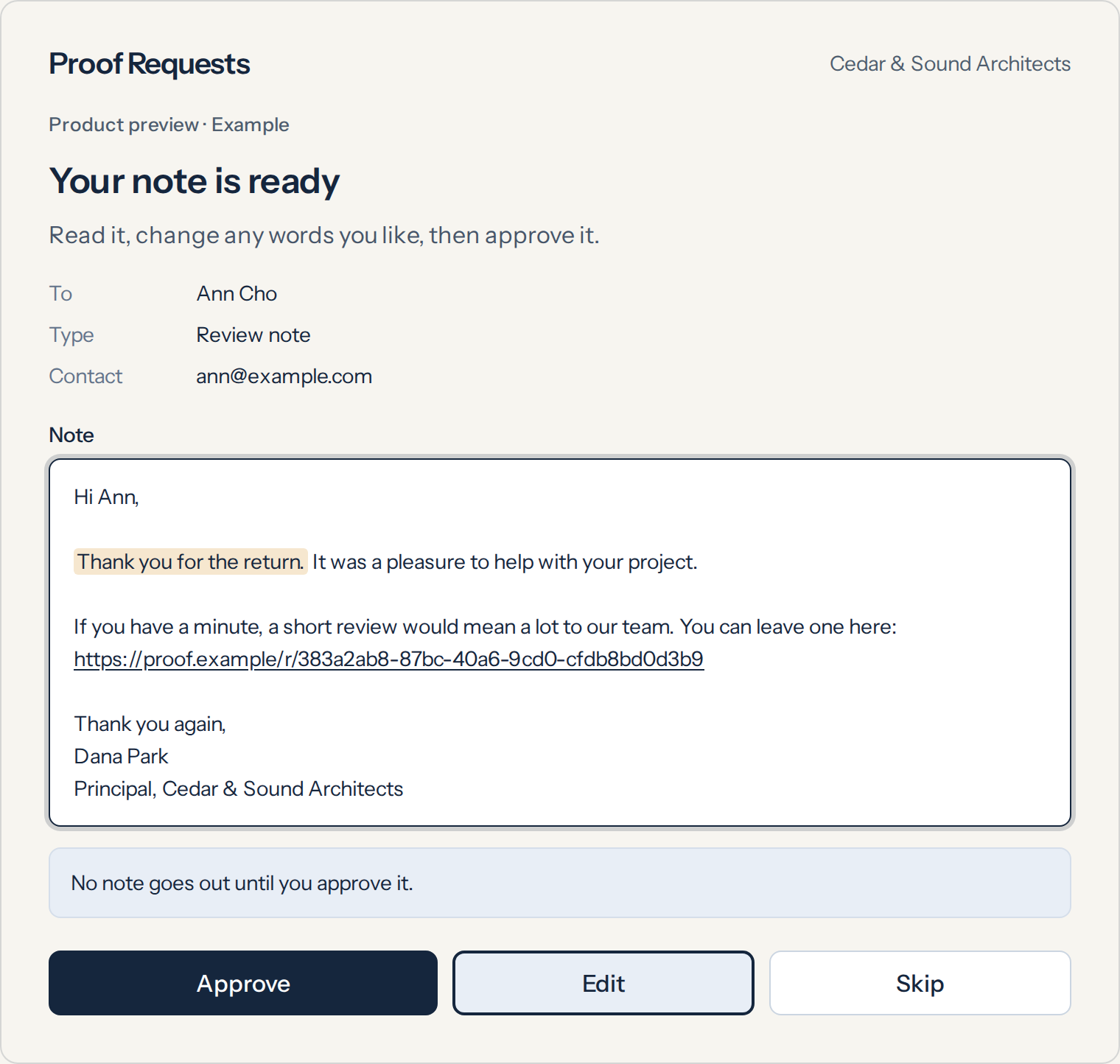
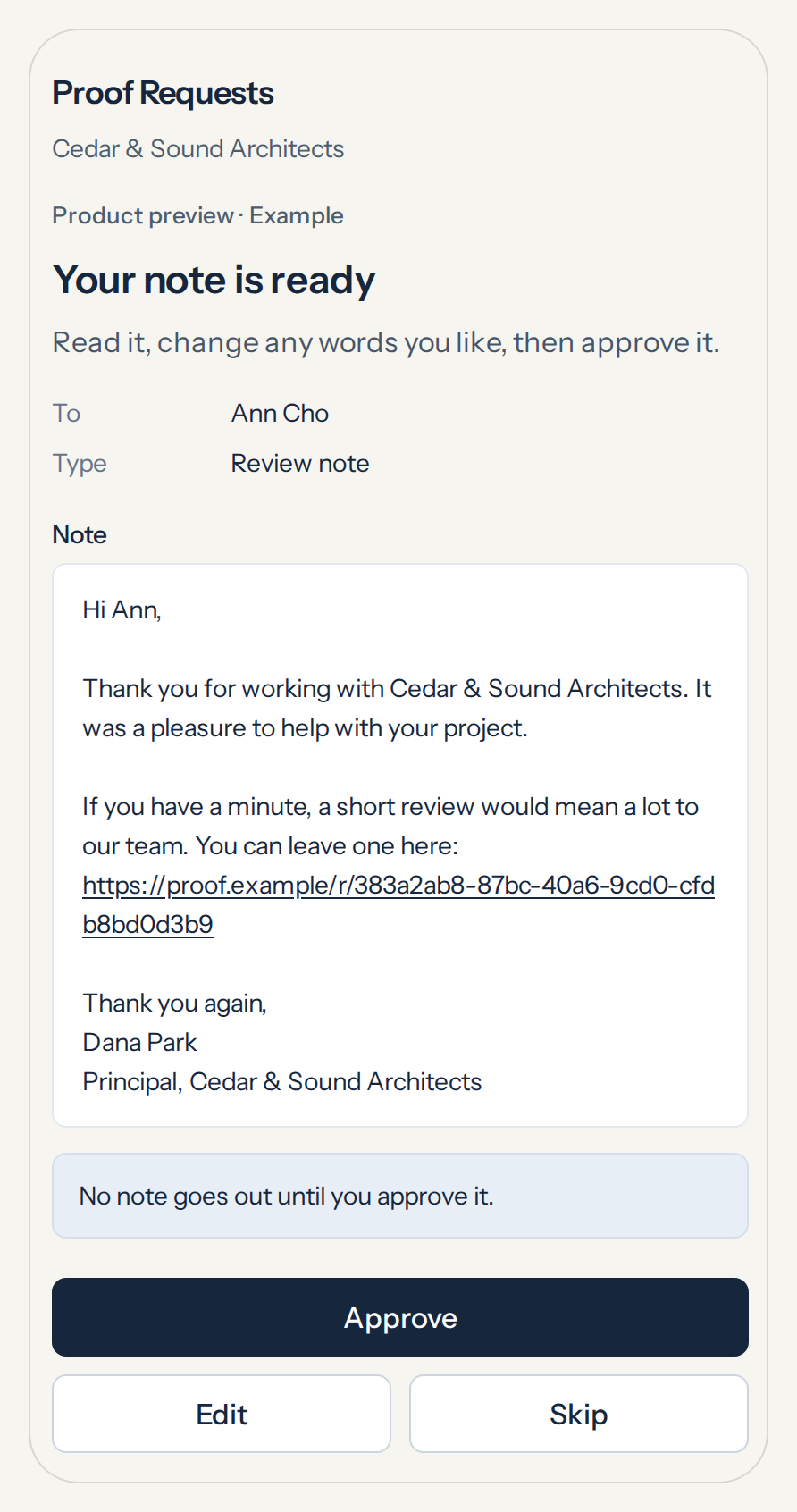
You see the note first. You edit it if you want. You send it — or you don’t.
Your client gets it
A short message. Plain words. One clear next step: leave a review, or refer someone.
Review or referral comes back
The review shows up on Google, or the review site you already use. The referral shows up in your inbox.
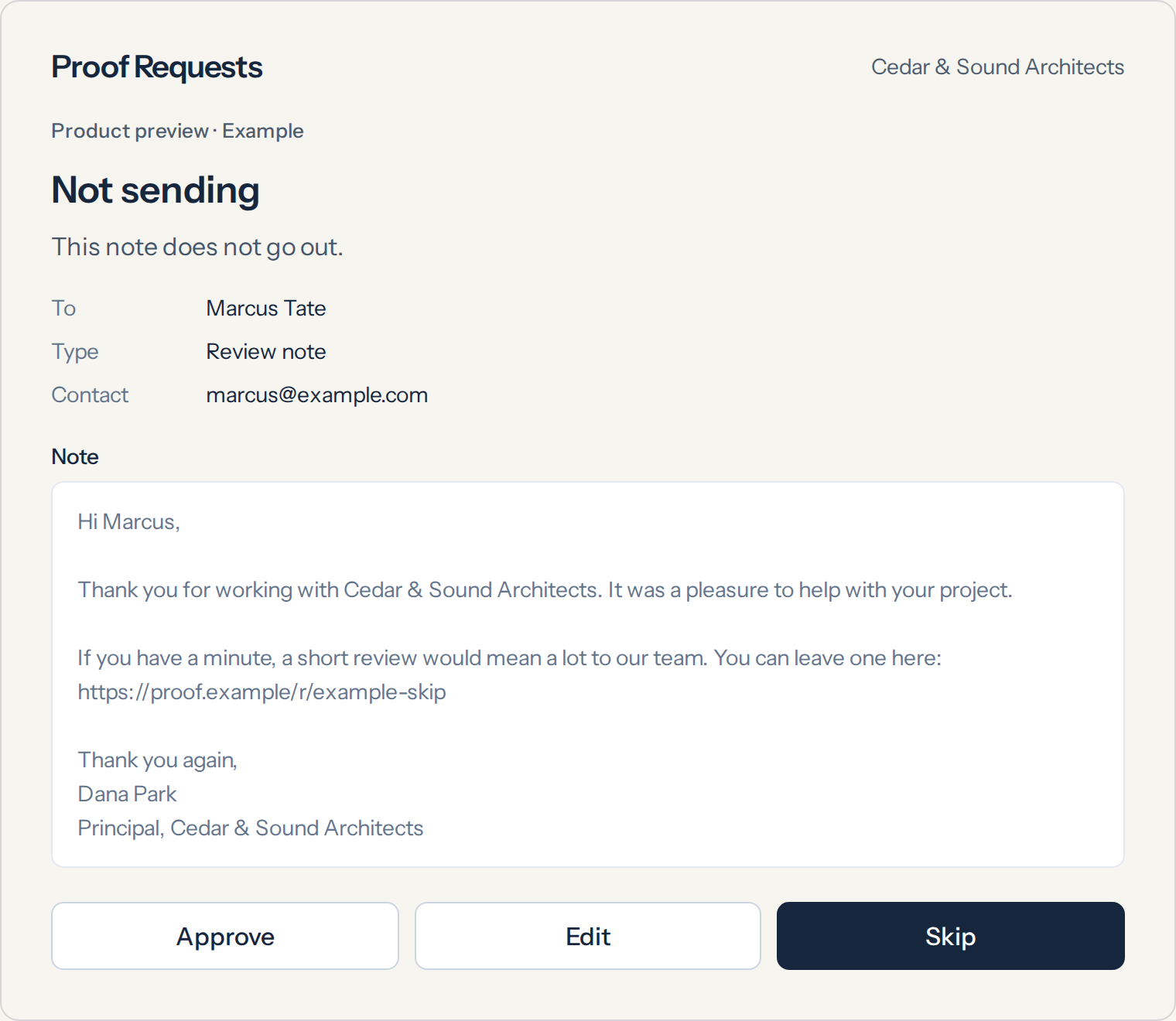
You edit or skip before anything sends — see below.
You stay in control
By default, your firm approves every note before it goes out. Nothing reaches a client until you say yes.
Automation is optional and under your control — you turn it on when you want it. You unlock it after you've approved and sent five notes yourself, not on day one.
A client’s name and email
We use a client's first name and email to send the note you approve. We don't sell it, share it, or write to your clients on our own.
One note per job. No follow-up nagging unless you send it.
Want in early?
We read every request. If your firm is a fit, we’ll email an invite. We onboard a few firms at a time so we can watch every note go out — it may take a few weeks.
Start freeQuestions:support@goodworkreviews.com